




Cabin Connect™ Wireless CarPlay Baby Monitor
Tax excluded. Shipping calculated at checkout
- Enjoy free shipping
- 30-Day Free Returns & Exchanges
- The estimated delivery time is 3 ~ 8 days.
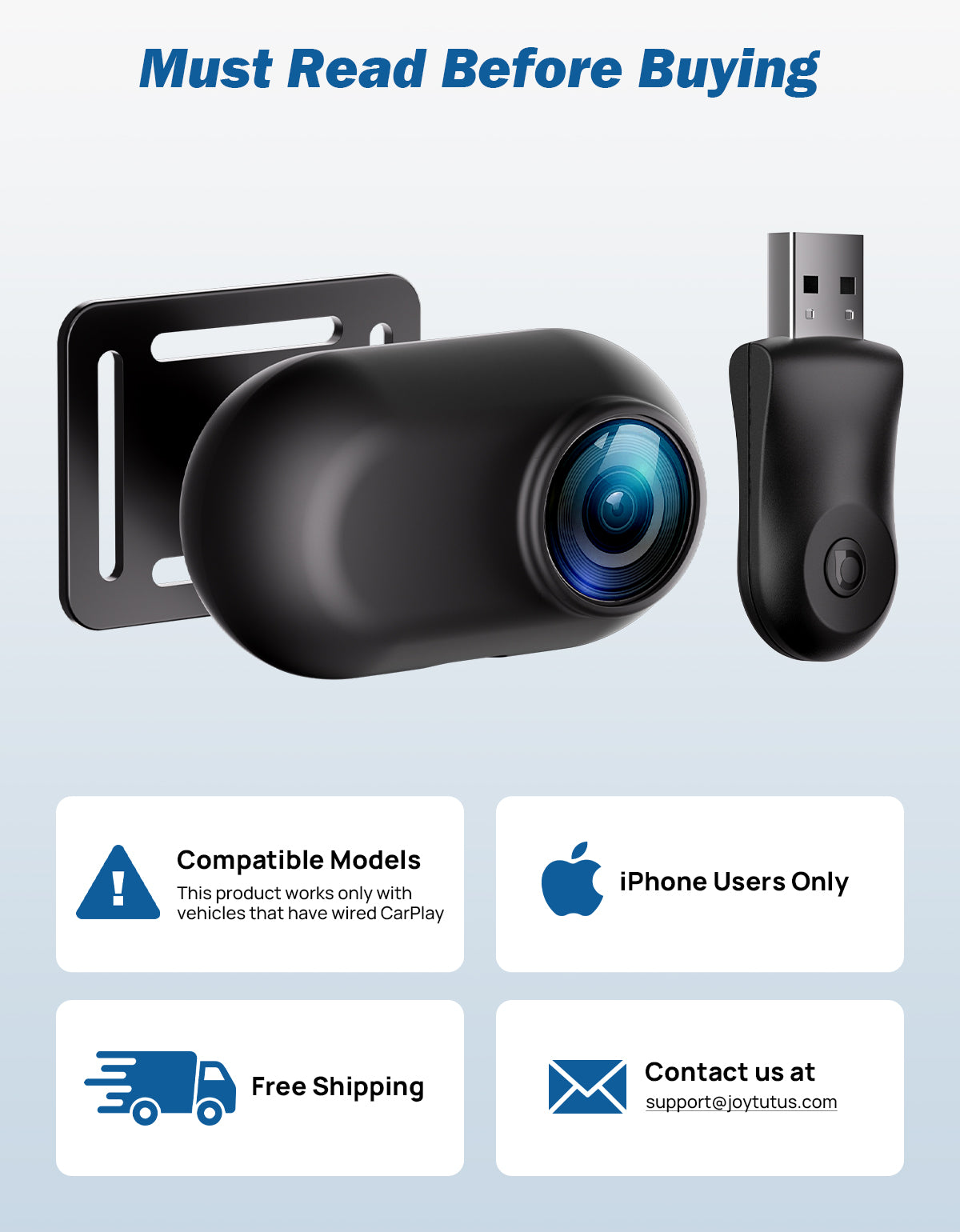
Vehicle Fitment
Fit
Not Fit

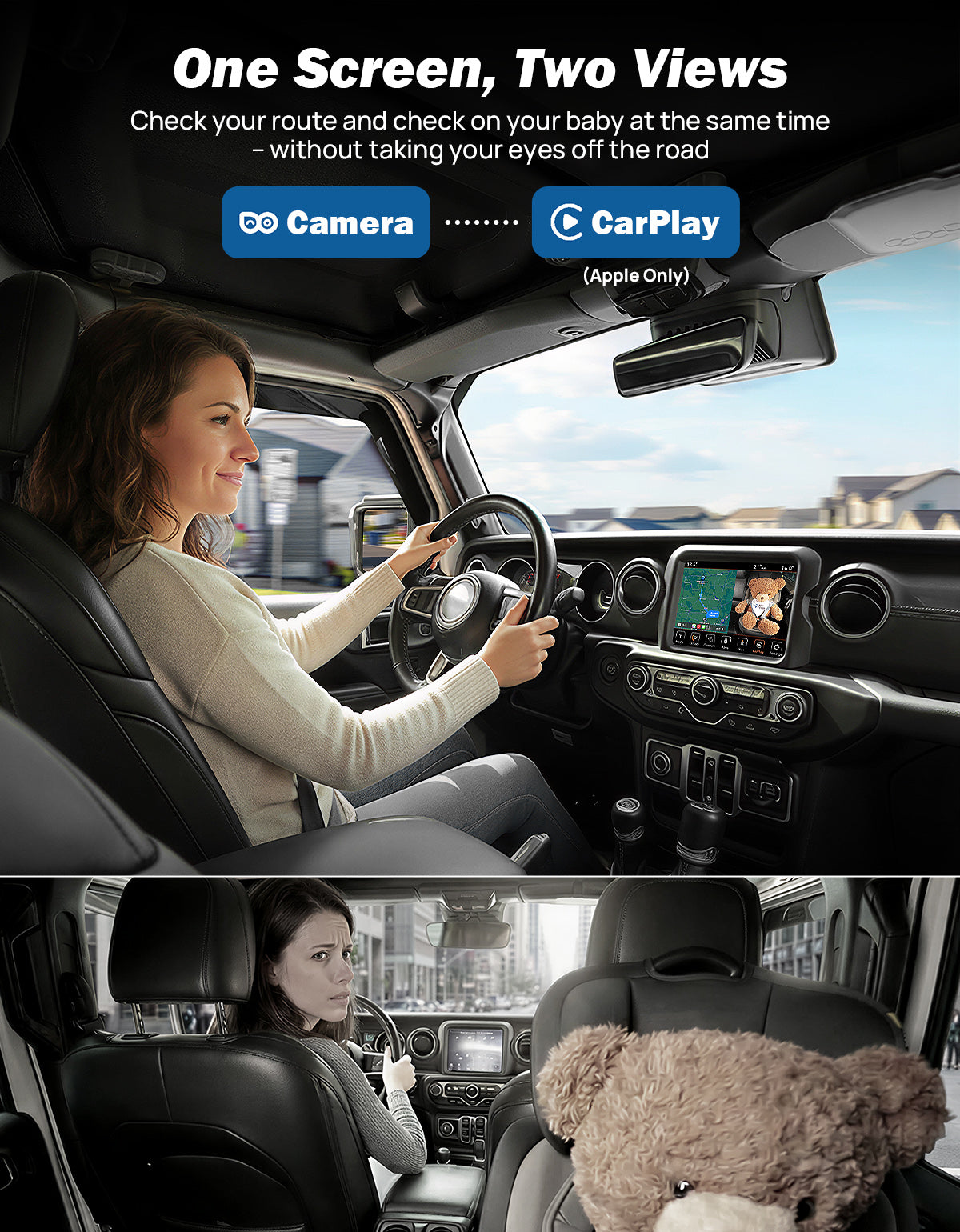
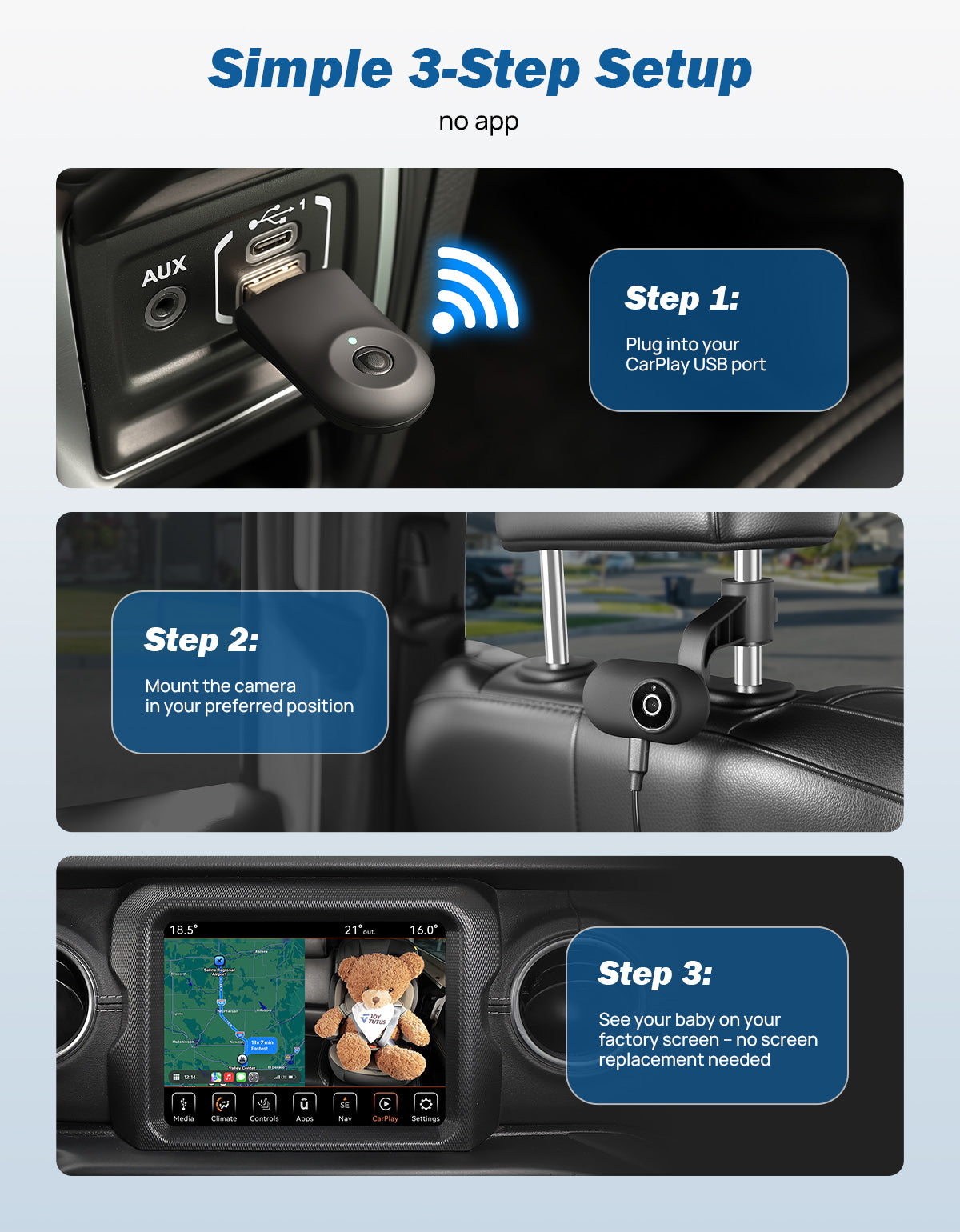
Watch Your Baby Car Monitor on the CarPlay Screen
Upgrades factory-wired CarPlay to wireless while turning your dashboard into a baby car monitor, so you see your child or pet without adding another screen. This wireless baby car camera streams straight to the display you already use for navigation and calls. One screen handles CarPlay and the back seat, no extra mount taking up space.

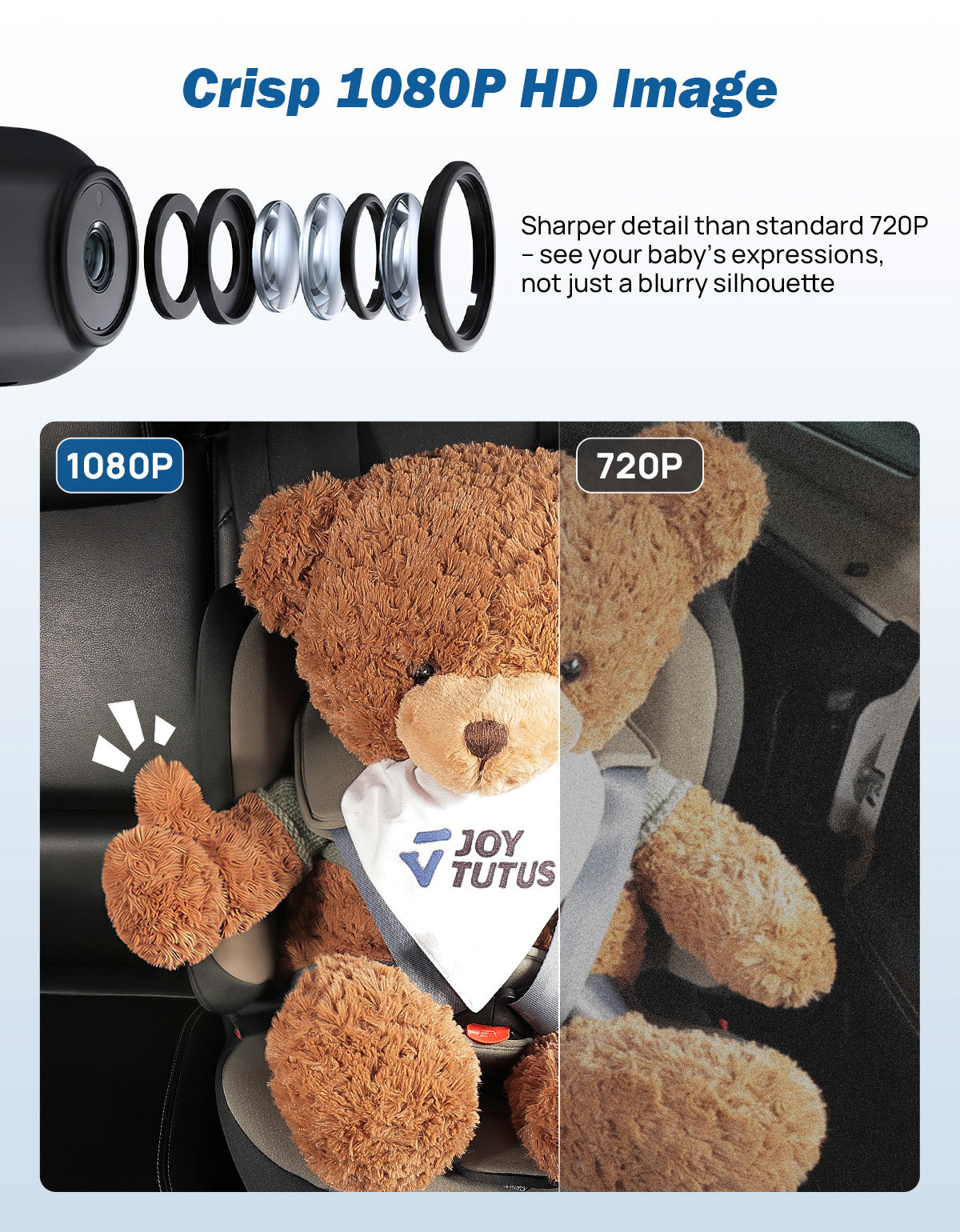
See Crisp 1080P Baby Car Camera Detail on CarPlay Screen
Cabin Connect's car camera for baby captures video at up to 1080P, so small details — a dropped toy, a restless move — are easy to catch. This wireless baby car camera monitor delivers that resolution straight to your factory CarPlay screen.

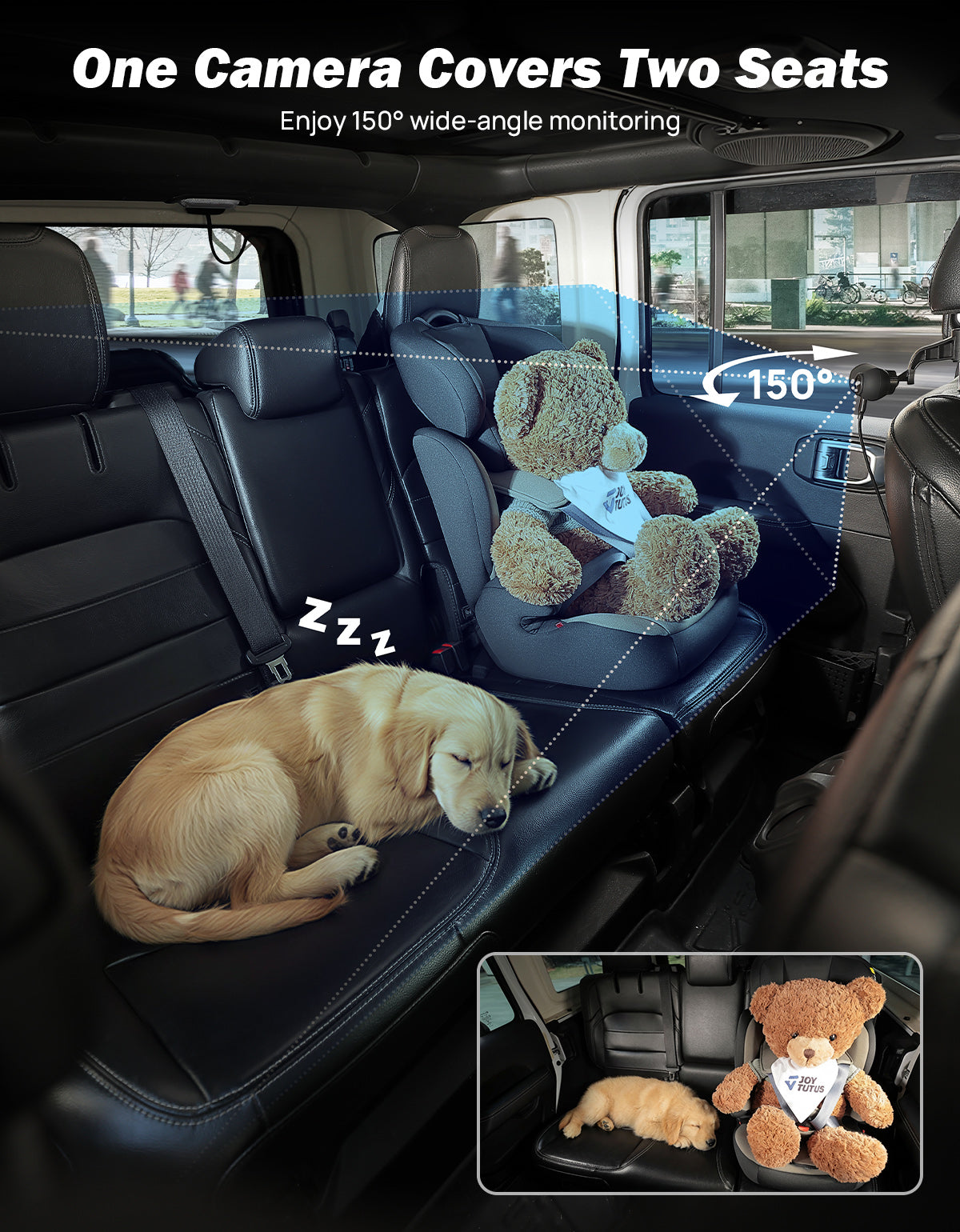
Cover Two Car Seats with One Backseat Camera
A 150° wide-angle lens lets this backseat camera for baby cover more of the rear bench than a narrow, fixed lens. If you're buckling in two children, or a child and a pet, the wider field of view keeps both in frame at once. It works as a back seat camera for baby that doesn't need repositioning every time someone new rides along.

Switch Between CarPlay and Your Baby Monitor View
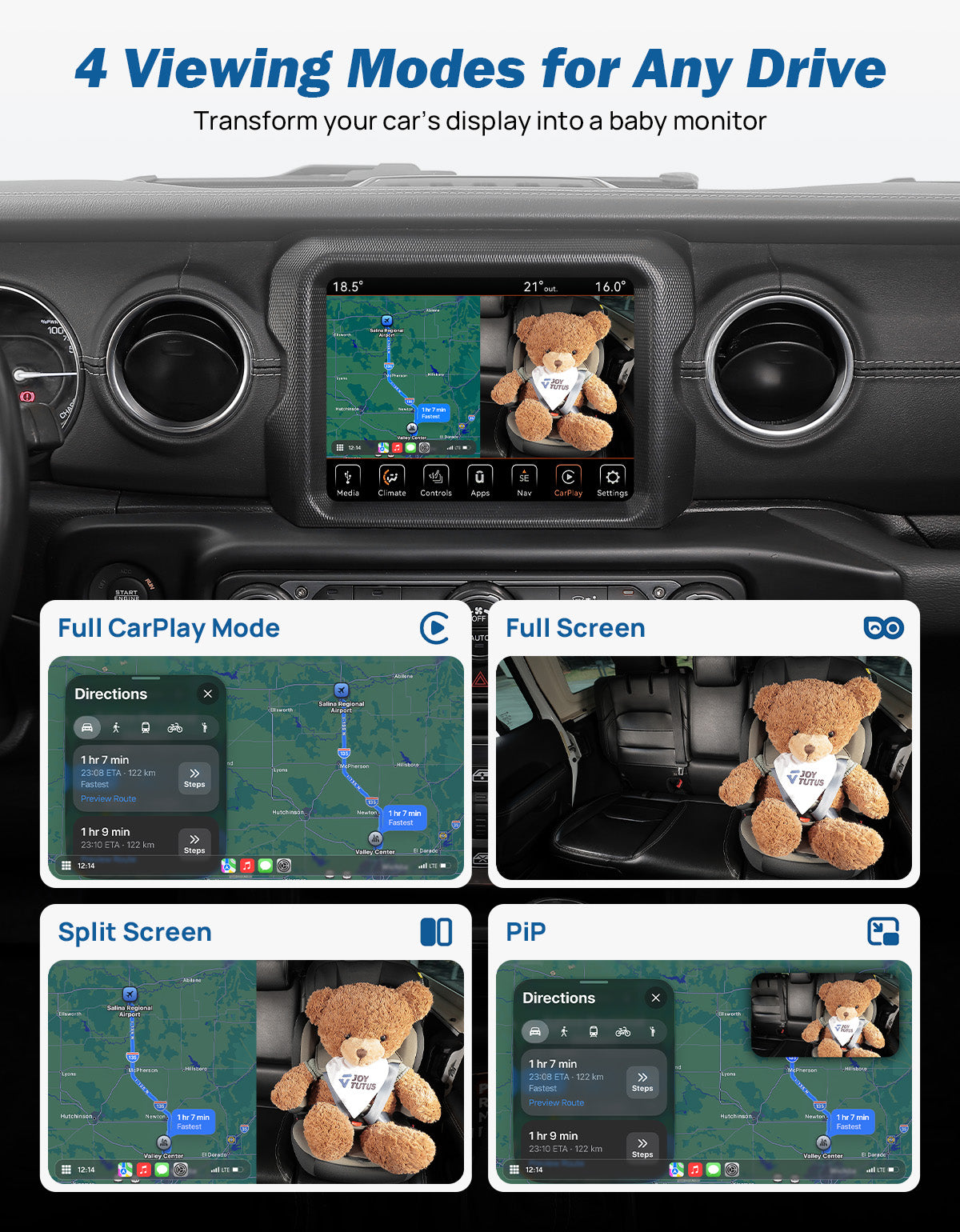
Four display modes: Full CarPlay, Full-Screen Camera, Split Screen, and Picture-in-Picture. This baby monitor for car use fits however you're driving. Keep navigation up front while the camera feed sits in a corner, or switch to full-screen when you want a closer look. Built for drivers who don't want to choose between a car baby monitor and their maps.

See Your Infant Car Camera Feed After Dark
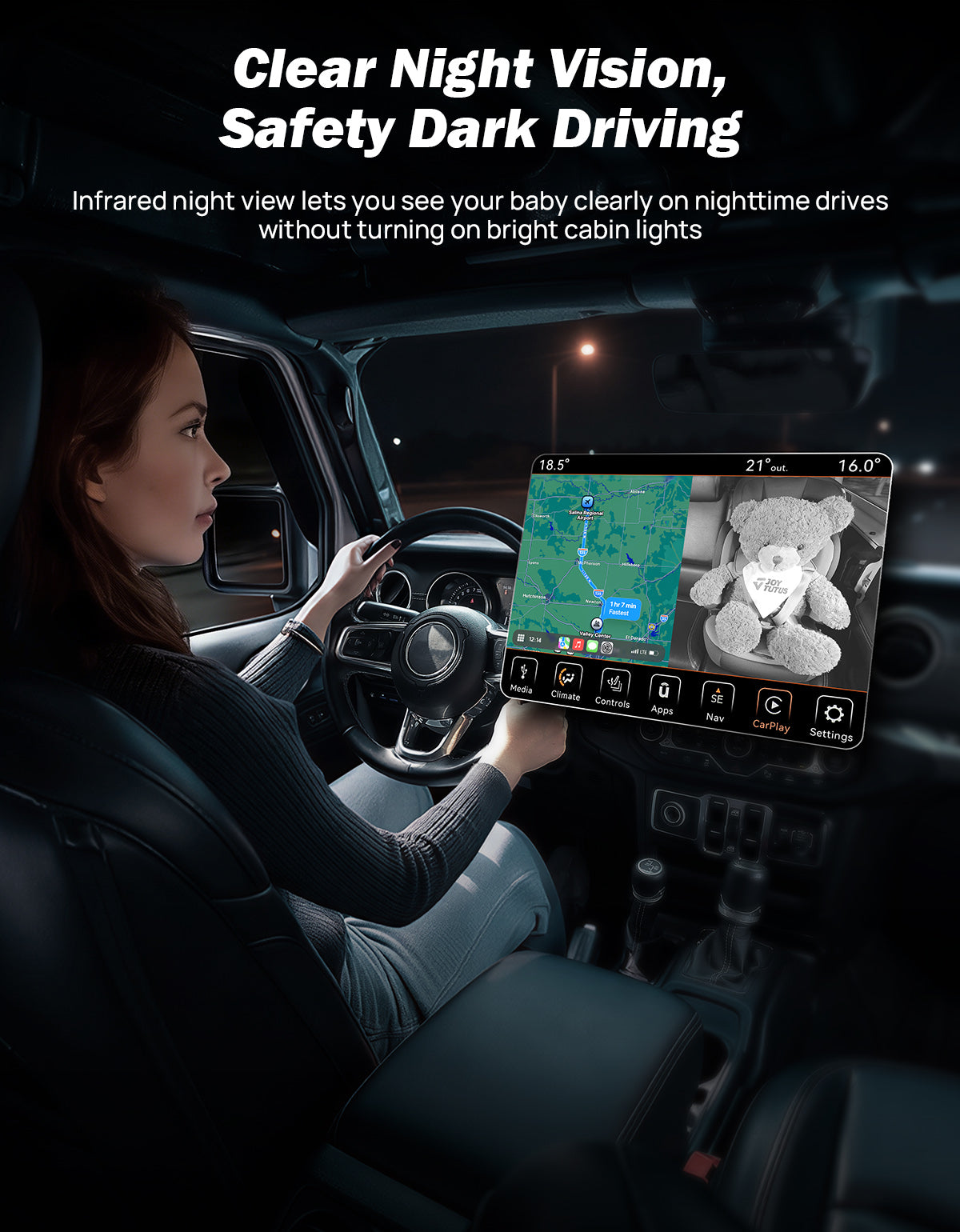
Cabin Connect works as an infant car camera with automatic infrared night vision, switching on in about one second once the cabin gets dark. This keeps the infant camera for car use clear on evening drives home or after sunset, without needing the interior light on. You get a steady view of your sleeping baby's face without disturbing their rest.

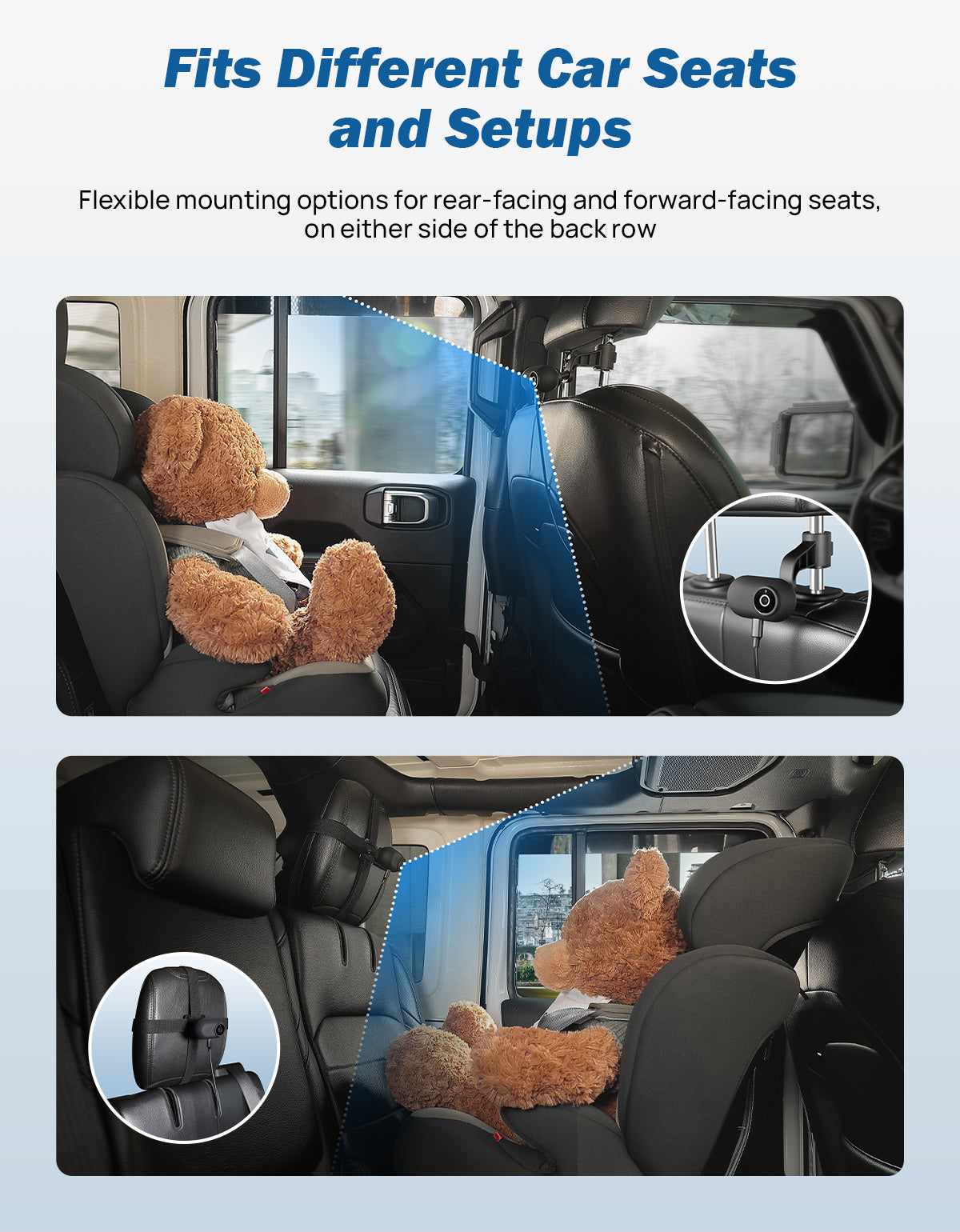
Fit This Car Seat Camera to How Your Child Rides
Installs as a carseat camera positioned for either a rear-facing infant seat or a forward-facing child seat. The adjustable mount means this baby car seat camera can move as your child grows and changes seat types. One camera, repositioned as needed, covers more of your child's car seat journey.

Mount Your Baby Car Seat Camera Two Ways
Choose the headrest-post bracket or the strap mounting plate for this baby car seat camera, depending on your vehicle's headrest design. Both options can hold the camera, so this carseat monitor stays aimed exactly where you need it. Pick whichever mount fits your seats better.
Videos
Feature Videos
Installation Videos
Installation
Specifications
| Product Type | Wireless CarPlay Adapter with Rear-Seat Camera |
|---|---|
| Vehicle Requirement | Factory-Installed Wired Apple CarPlay |
| Phone Compatibility | iPhone with iOS 10 or Later |
| Android Compatibility | Not Compatible |
| Camera Resolution | 1080P |
| Field of View | 150° Wide Angle |
| Night Vision | Automatic Infrared Night Vision |
| Night Vision Switching | Approximately 1 Second |
| Viewing Modes | Full CarPlay / Full-Screen Camera / Split Screen / Picture-in-Picture |
| Wireless Bands | 2.4GHz + 5.2GHz |
| Operating Temperature | -4°F to 158°F (-20°C to 70°C) |
| Camera Power | 5V USB Power |
| Built-In Battery | No |
| Camera Power Cable Length | 9.8 ft (3 m) |
| Mounting Options | Headrest-Post Bracket / Strap Mounting Plate |
| Receiver Connection | Vehicle USB Data Port |
| USB Compatibility | USB-A / USB-C with Included Adapter |
| Phone Memory | Up to 2 iPhones |
| Active Phone Connection | 1 iPhone at a Time |
| Firmware Support | OTA System Updates |
| Warranty | 2-Year Limited Warranty |
What's in the Box
- 1 × Rear-Seat Camera
- 1 × Wireless CarPlay Receiver
- 1 × User Manual
- 1 × Mounting Nut
- 1 × USB-A to USB-C Adapter
- 2 × Cable Ties
- 1 × Strap Mounting Plate
- 1 × 9.8 ft Camera Power Cable
- 1 × Headrest-Post Mount